





Website Help Center
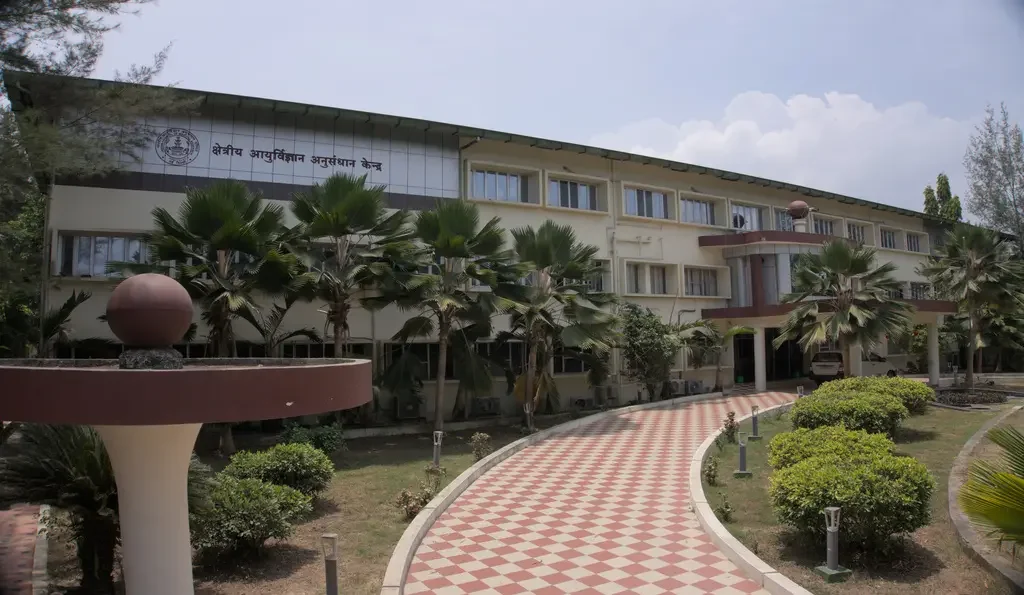
Welcome to the ICMR Regional Medical Research Center, Sri Vijaya Puram website help center. This page provides guidance on utilizing the accessibility tools integrated into our interface, using site navigation features, ensuring browser compatibility, and downloading the necessary software plug-ins.
Site Navigation & Features
Accessibility
Our header contains tools ensuring a comfortable browsing experience for all users:
-
Text Resizer: Use the A-, A, and A+ buttons to dynamically scale font size.
-
Theme Switcher: Toggle between standard and high-contrast dark mode to reduce eye strain.
-
Language: Seamlessly switch between English and Hindi content globally.
Navigation Aids
We have integrated quick-access features to help you locate information effortlessly:
-
Smart Search: Use the search icon in the top menu to instantly find resources or scientist profiles.
-
Skip to Content: A hidden link at the top of the page allows keyboard users to bypass navigation.
-
Back to Top: A floating button appears as you scroll down for instant return to the top.
Compatibility
For rendering and security, we highly recommend utilizing the latest versions of the following browsers:
-
Google Chrome: Version 90.0 or higher
-
Mozilla Firefox: Version 88.0 or higher
-
Edge / Safari: Latest stable releases
Required Software & Plug-ins
PDF Documents (.pdf)
Required to securely view official circulars, recruitment notices, and printable application forms.
Adobe Acrobat ReaderWord Files (.doc, .docx)
Required for downloading and editing institutional tender documentation and proposal sheets.
Word Online ViewerExcel Files (.xls, .xlsx)
Required to analyze complex statistical datasets, financial disclosures, and scientific metrics.
Excel Online ViewerNeed Technical Assistance?
If you encounter broken links, missing documents, or face technical difficulties navigating this website, please reach out to our support team for a prompt resolution.